Planning never finishes
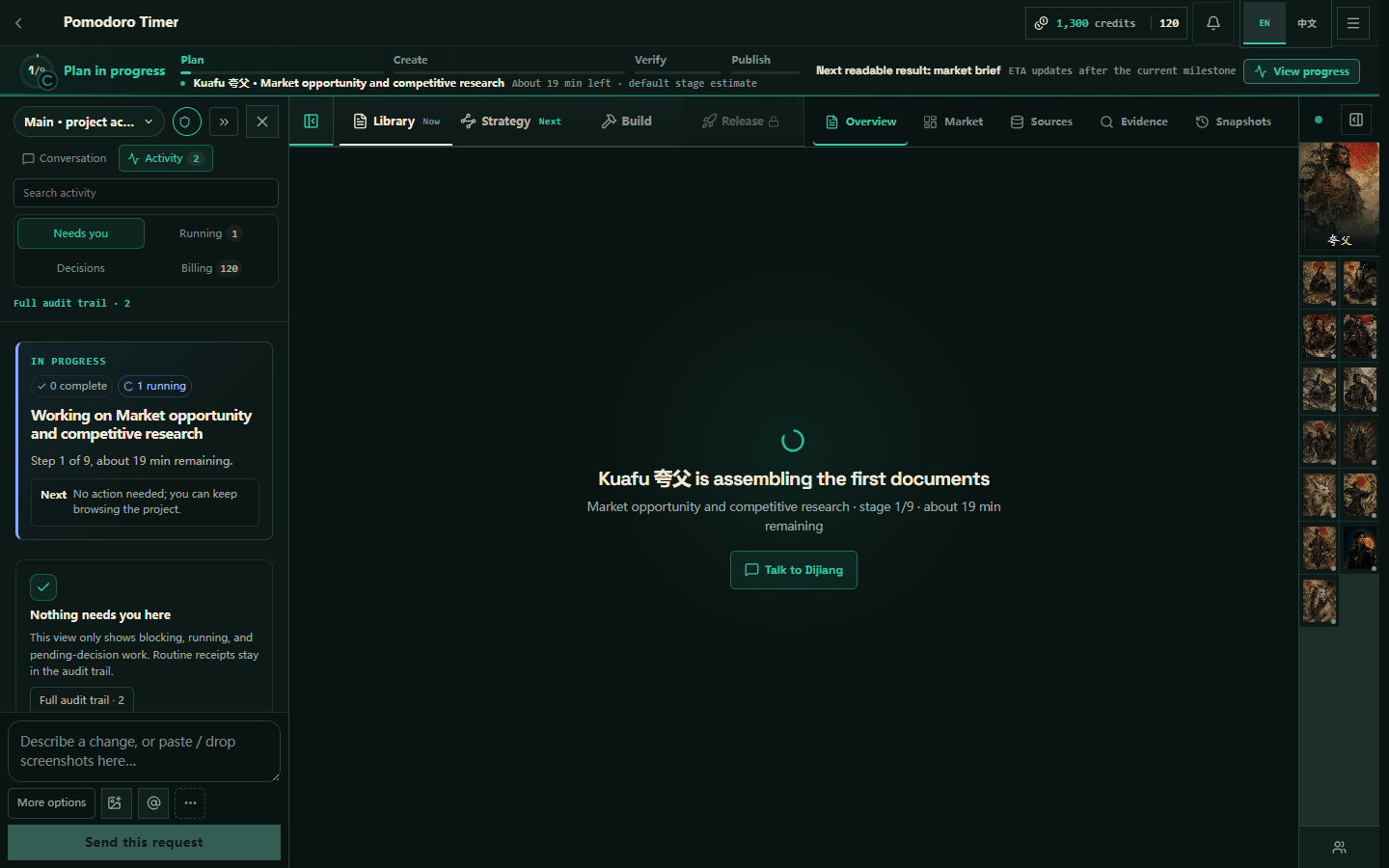
Open Studio and check whether a lane is running, stalled, or waiting on your approval. An empty evidence pack during the first minutes is expected. If there is no current stage, no remaining-time estimate, and no error, refresh once, then inspect the run record before starting another project.
Preview will not open
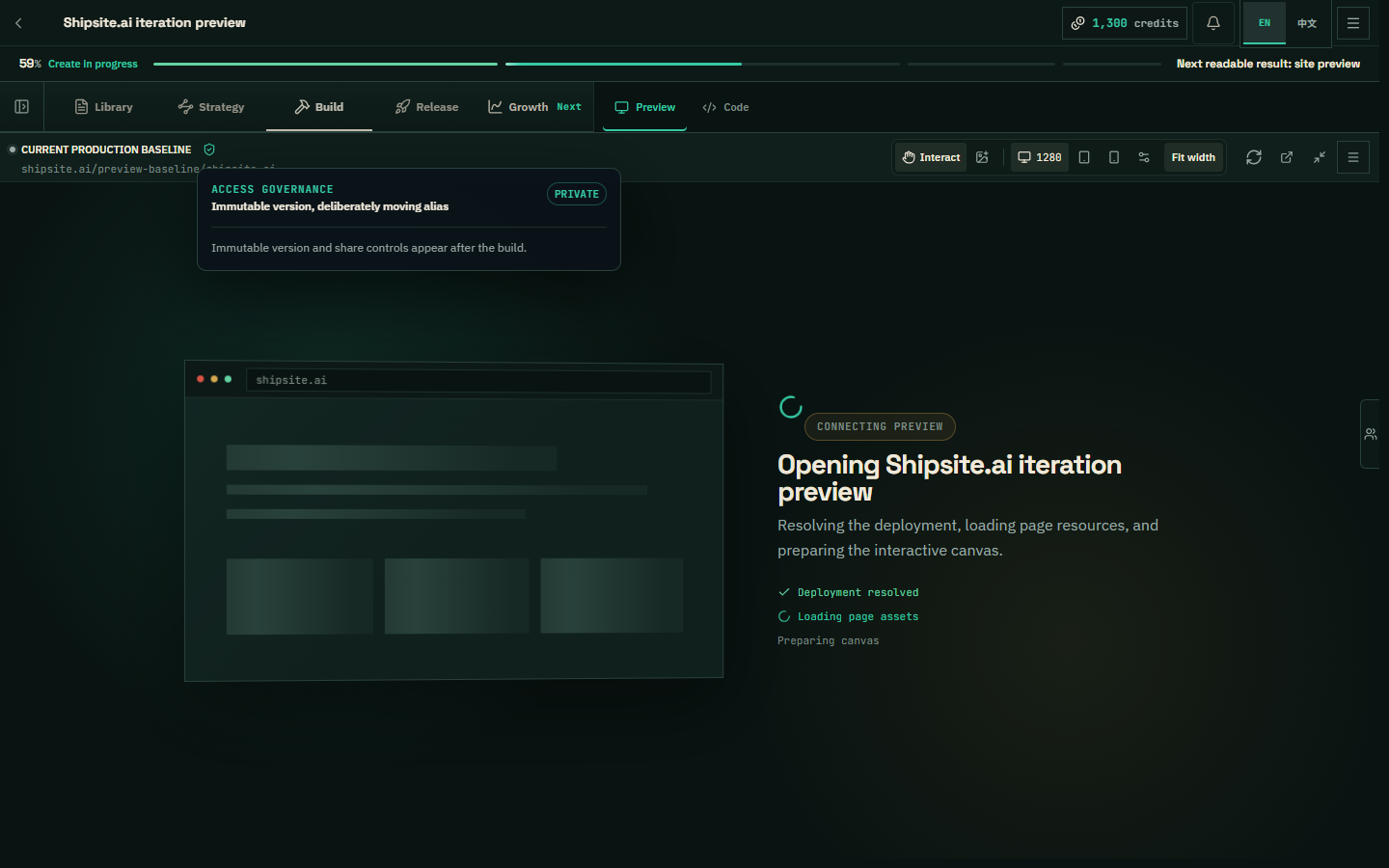
Preview exists only after a build has published a labeled bundle to your Cloudflare. If build is still running, wait. If a quality check blocked the bundle, open the quality-check report instead of retrying blindly. If the preview expired or is private, use the grant from Launch rather than a copied URL.
An approval looks stuck
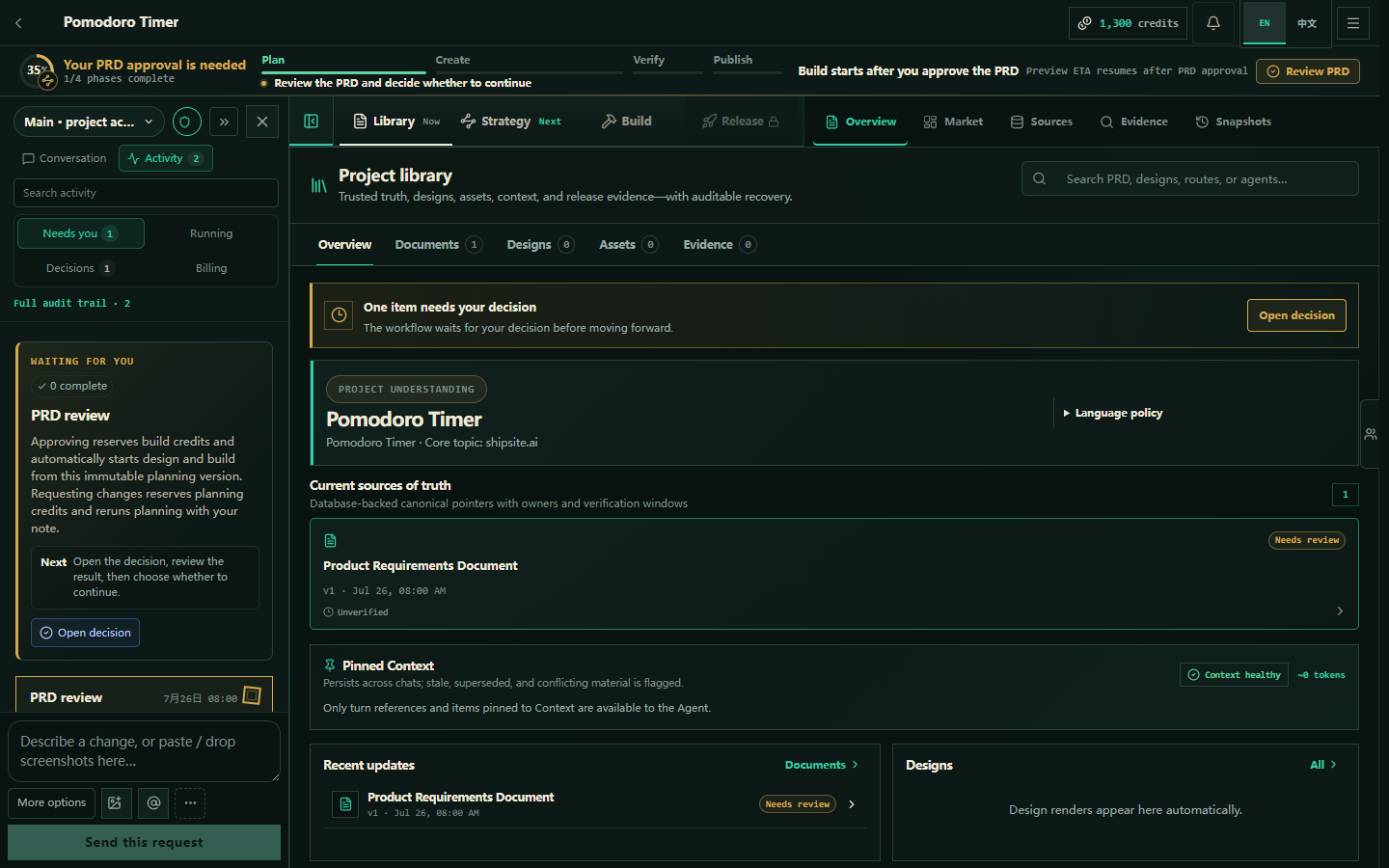
An approval waits for your decision on one document. If the document is missing, planning is not finished. If a newer document arrived, reopen it—do not approve the old badge. Dijiang cannot click approve for you.
A plan count looks wrong
Only fresh plans and launches count; a run still going counts until it ends, and one that fails or is cancelled stops counting. Automatic retries and retrying a failed step never count. A full re-plan you start does. The month starts again on the 1st (UTC).
A connection will not verify
A saved secret is not a verified connection. Recreate the credential with the minimum documented scope, test it on the Connections page, and keep the last known good value if the replacement fails. Then retry the blocked task.