Check it opens, then the launch checklist
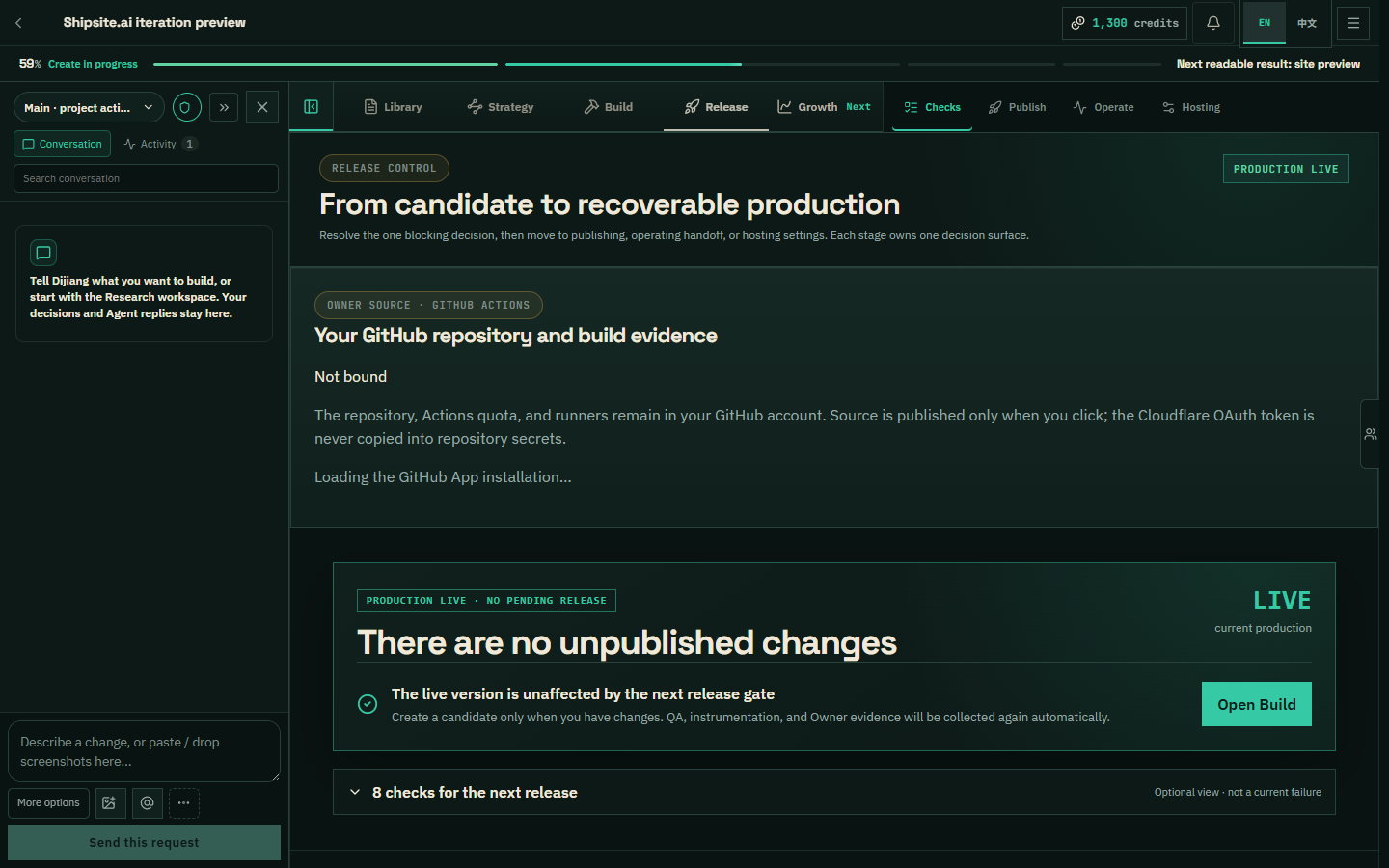
The top of the workbench says the site is live, and “Open live site” takes you to it. Then open Docs → Launch checklist: each line says where it stands, whether you or Dijiang does it, and has its button. Code lists every version that went live, with “Go back to this version” on the older ones.
Submit search evidence
Verify robots.txt, sitemap.xml, and the IndexNow key file first. Google Search Console needs the connected account to own the property. IndexNow is Dijiang's when you ask, once the site has its own domain.
- Open the live robots and sitemapConfirm they allow the indexable routes and exclude /app and /api.
- Buy the domain, then ask DijiangOnce the version on your domain is live, ask Dijiang to tell search engines; it submits with the site's IndexNow key. The free workers.dev address is never submitted.
- Verify GSC or Bing yourselfShipsite prepares the pack. Ownership stays with the connected account.
Measure before you iterate
First-party events work without GA4. Connect analytics when you need search or behavior evidence. A review verdict must name the window and the missing sources. Do not treat an empty dashboard as zero traffic.