Managed preview
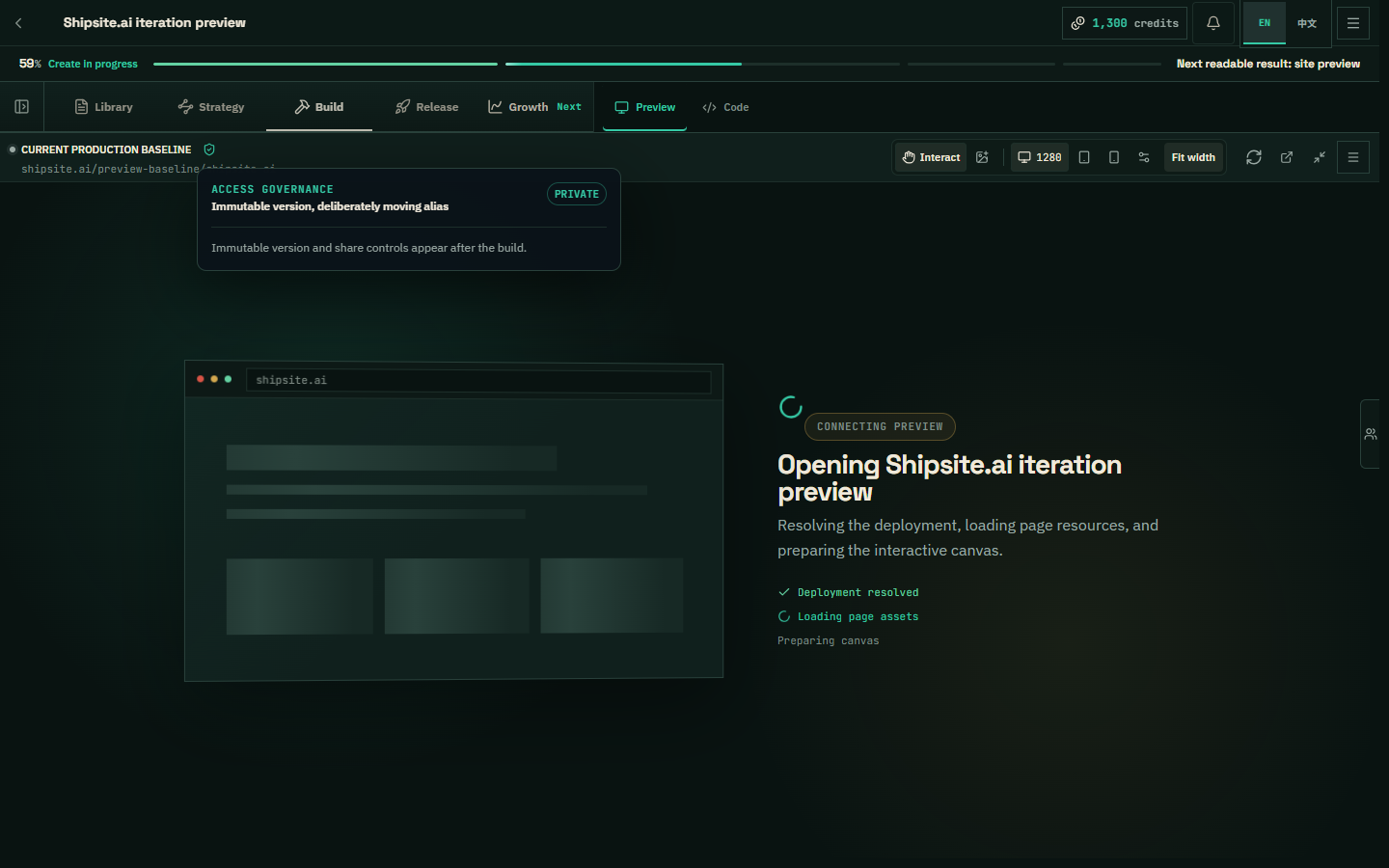
Shipsite can publish a project-scoped preview before you connect a domain, GitHub, or Cloudflare. The preview is labeled as not live and is the version used for visual review and quality-check evidence.
Shipsite-managed production
The default platform mode can promote the checked static bundle to Shipsite-managed Cloudflare after the quality check and your production approval. Source versions remain exportable; the deployment receipt records the exact approved version.
Your Cloudflare account
Own-Cloudflare mode requires a verified, target-scoped token. Shipsite renders the approved site into the owner's Worker, binds the selected domain, applies the supported security baseline, and records partial evidence when an account plan cannot apply a setting. Large OpenNext sites use the repository delivery path rather than the compact static Worker bundle.
Release order and rollback
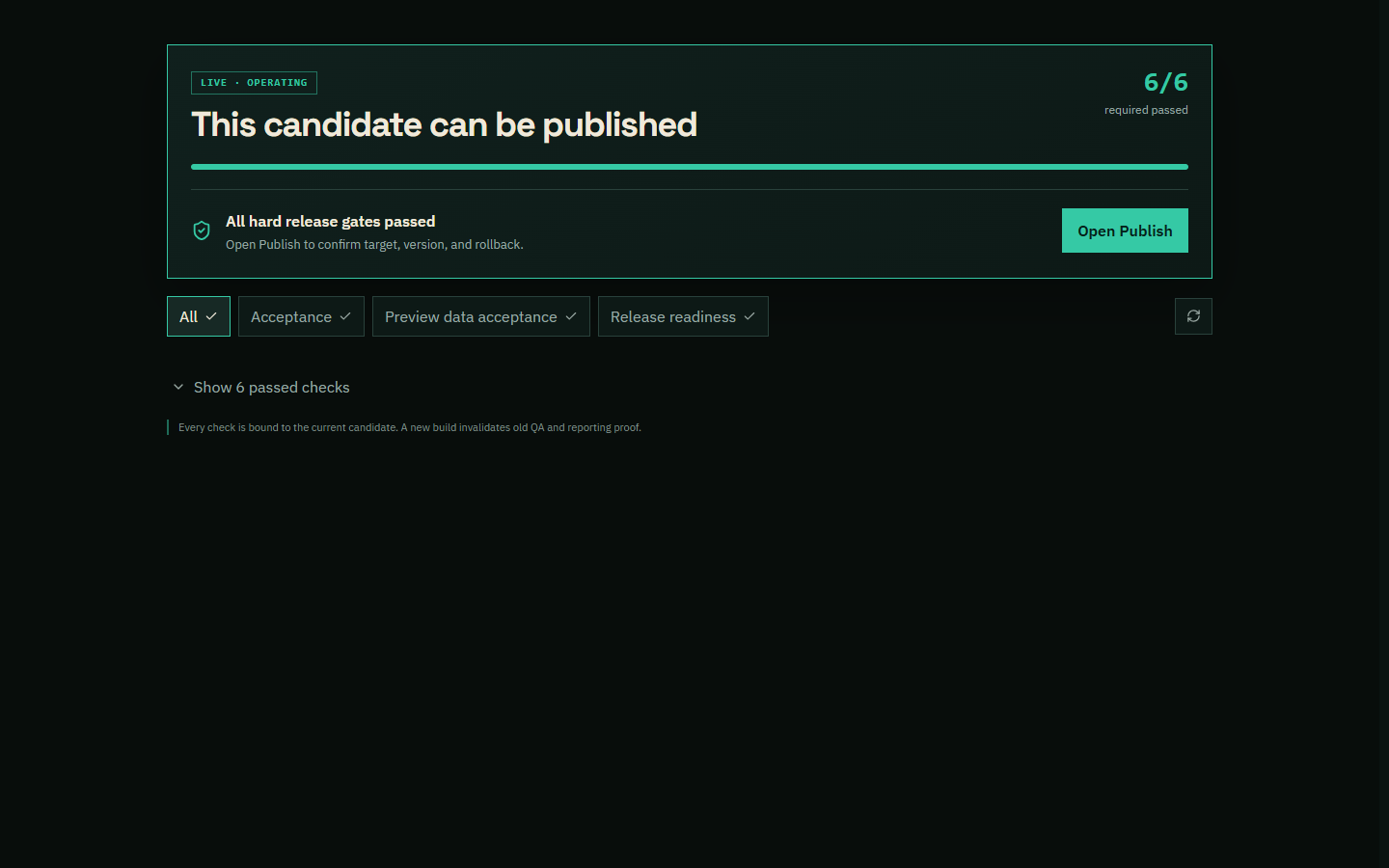
Production requires the exact-version quality-check result, launch approval, deployment manifest, runtime smoke, and recorded production URL. Rollback points to an immutable prior version; new source and production stay separate until the release succeeds.