Open the exact artifact
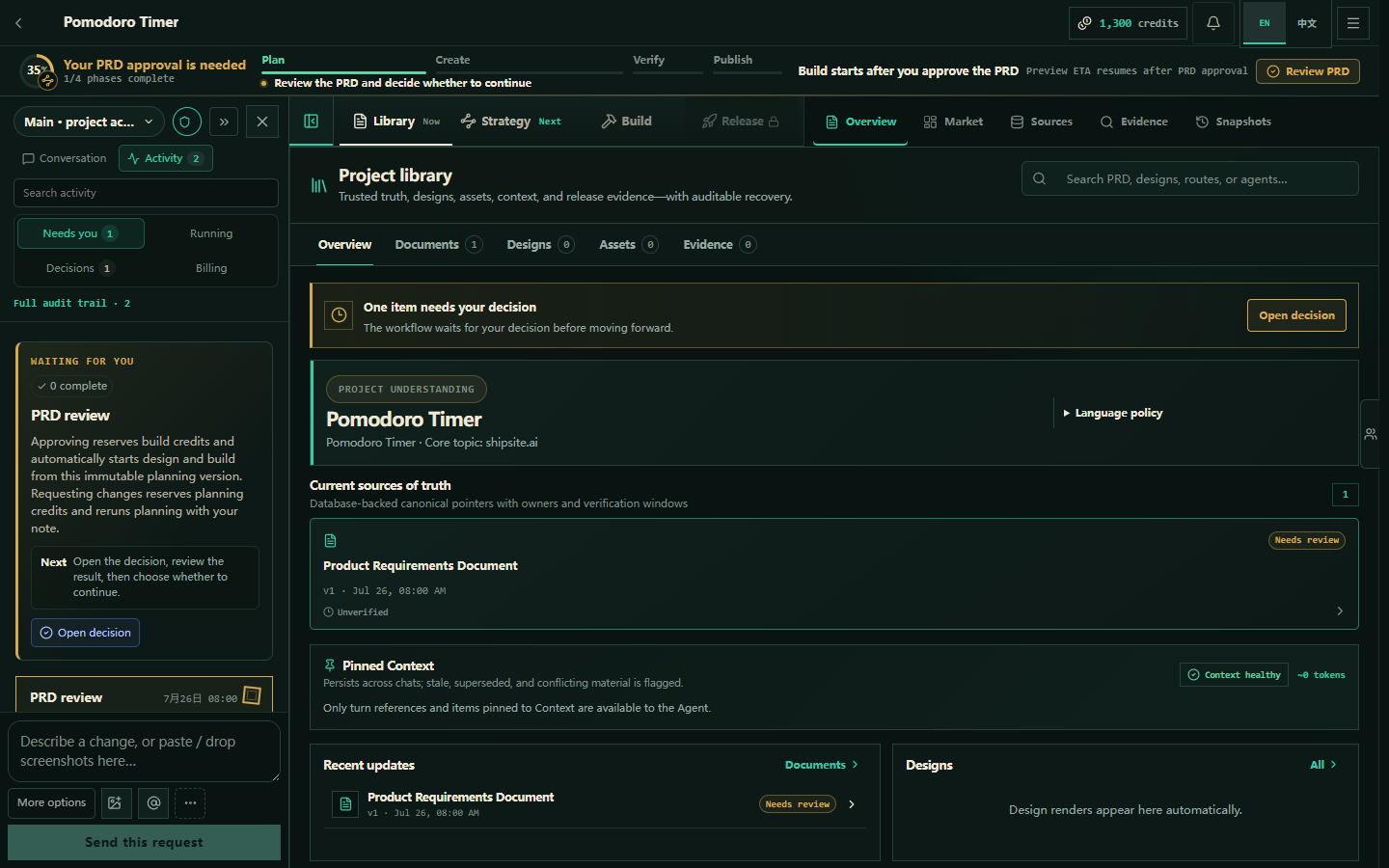
Do not judge the plan from a status badge. Open the merged product plan and the evidence it cites. Confirm the keyword, the pages that deserve to exist, the claims the site will make, and the things it will not do.
- Open Research & documentsFind the current product plan, not a superseded draft.
- Read the cited evidenceCheck demand, competitors, and avoid terms before you accept the page list.
- Read the same version the crew lockedThe build is bound to this document. If a newer draft arrived, reopen it.
When to let the build continue
The crew already started the build from the locked plan. Leave it running when the opportunity is real, the page matrix matches search intent, public claims are ones you will stand behind, and acceptance criteria are testable. Nothing publishes until you approve production.
When to send the plan back
Ask for a change when the keyword is too broad, the SERP is a poor fit, the site claims a capability you cannot deliver, or the page plan is thin doorway content. Write the reason. Shipsite returns work to the responsible stage instead of continuing on a bad contract.