Sign in
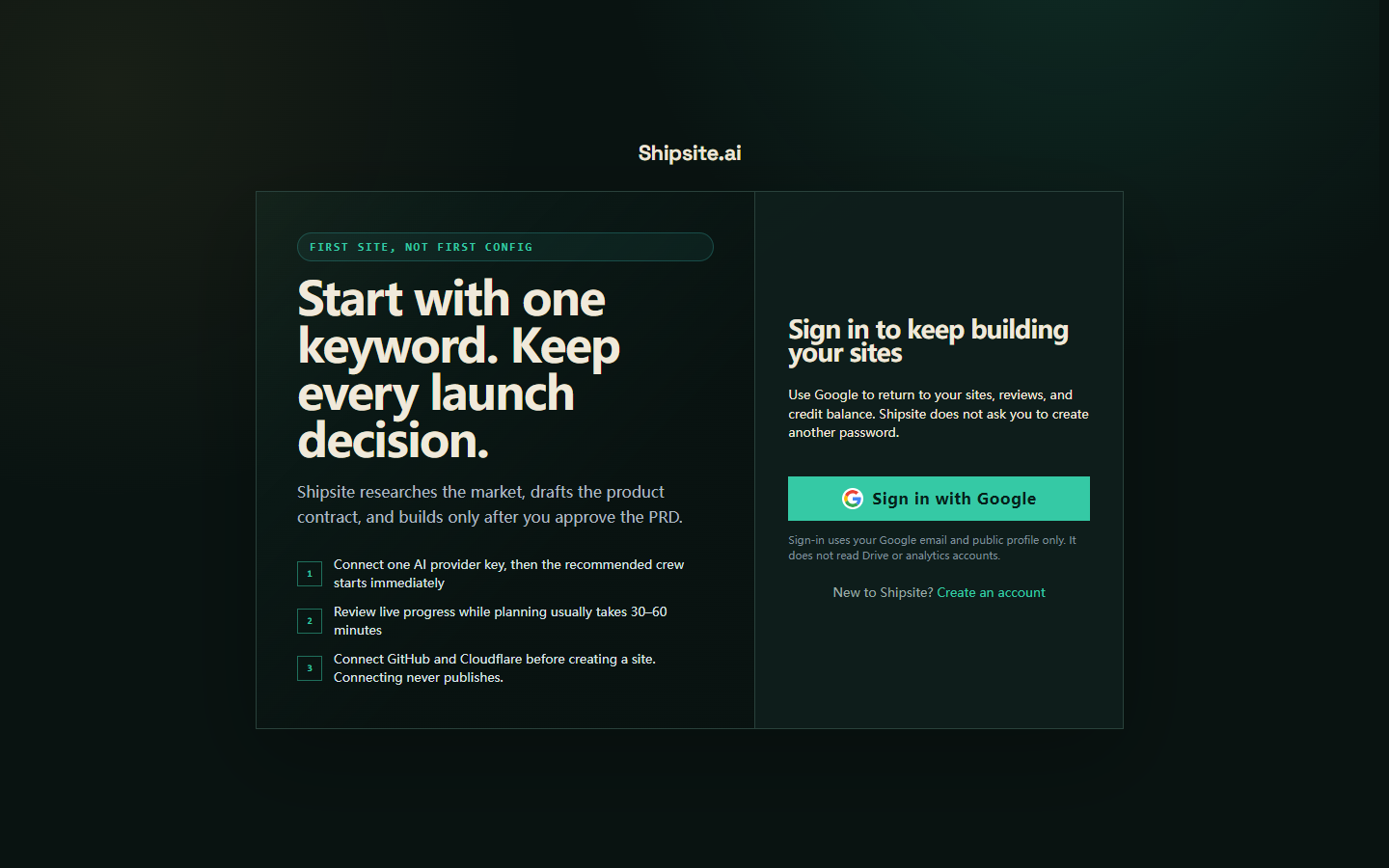
Shipsite accounts start with Google. The sign-in screen uses only your Google email and basic profile. It does not ask for a factory password and does not request Drive, Search Console, or Analytics until you later connect those products on purpose.
Start from a keyword
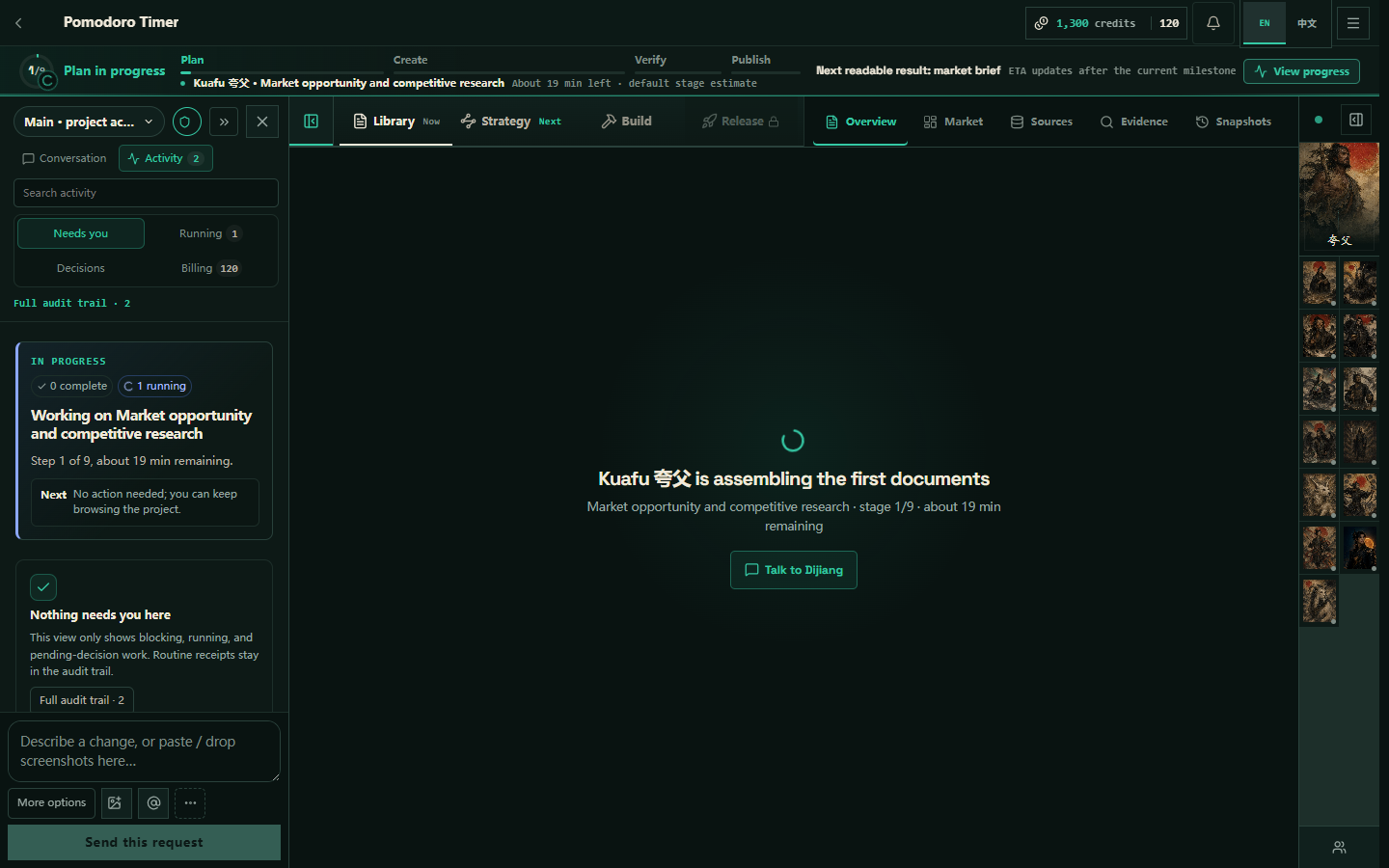
Open New site, enter the search term or product idea the site should own, and optionally add a name, niche, or domain. Shipsite creates the project and starts planning. Research and contracts appear in Studio as they finish.
- Use one specific search term or product job, not a broad industry name.
- The crew locks the plan and starts the build. Production still needs your approval to go live.
- Connect GitHub and Cloudflare before build when possible; managed preview remains an explicit fallback.
Import an existing site
Provide a GitHub repository URL and, when available, the production URL. Public repositories can be inspected directly; private repositories need a verified GitHub connection with repository read access. Import records the framework, source commit, live URL, and baseline evidence.
What to review first
Read the market evidence, search strategy, product strategy, route/copy contracts, and acceptance criteria before approving the product plan. Request changes with a concrete reason when the opportunity, scope, claims, or page plan is wrong.