Plan: documents and strategy
Research & documents shows each generated artifact and its language. Strategy turns approved evidence into product, market, route, pricing, and acceptance decisions. Open the exact document behind an approval before deciding.
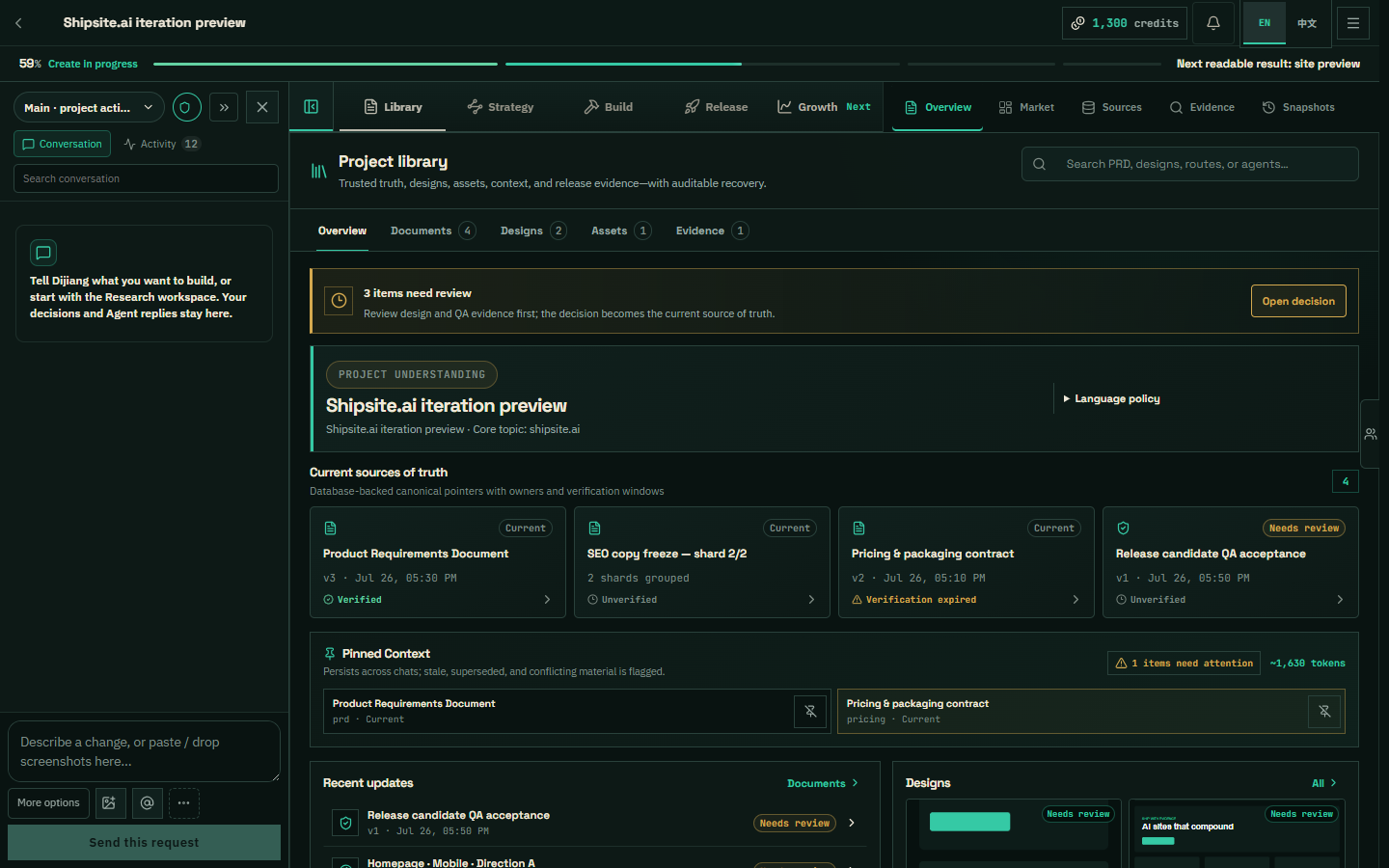
Build: preview and code
Preview embeds the current managed build with desktop/mobile controls and element-aware iteration tools. Code exposes the generated source tree and file contents. New versions remain separate from the current production version until release approval.
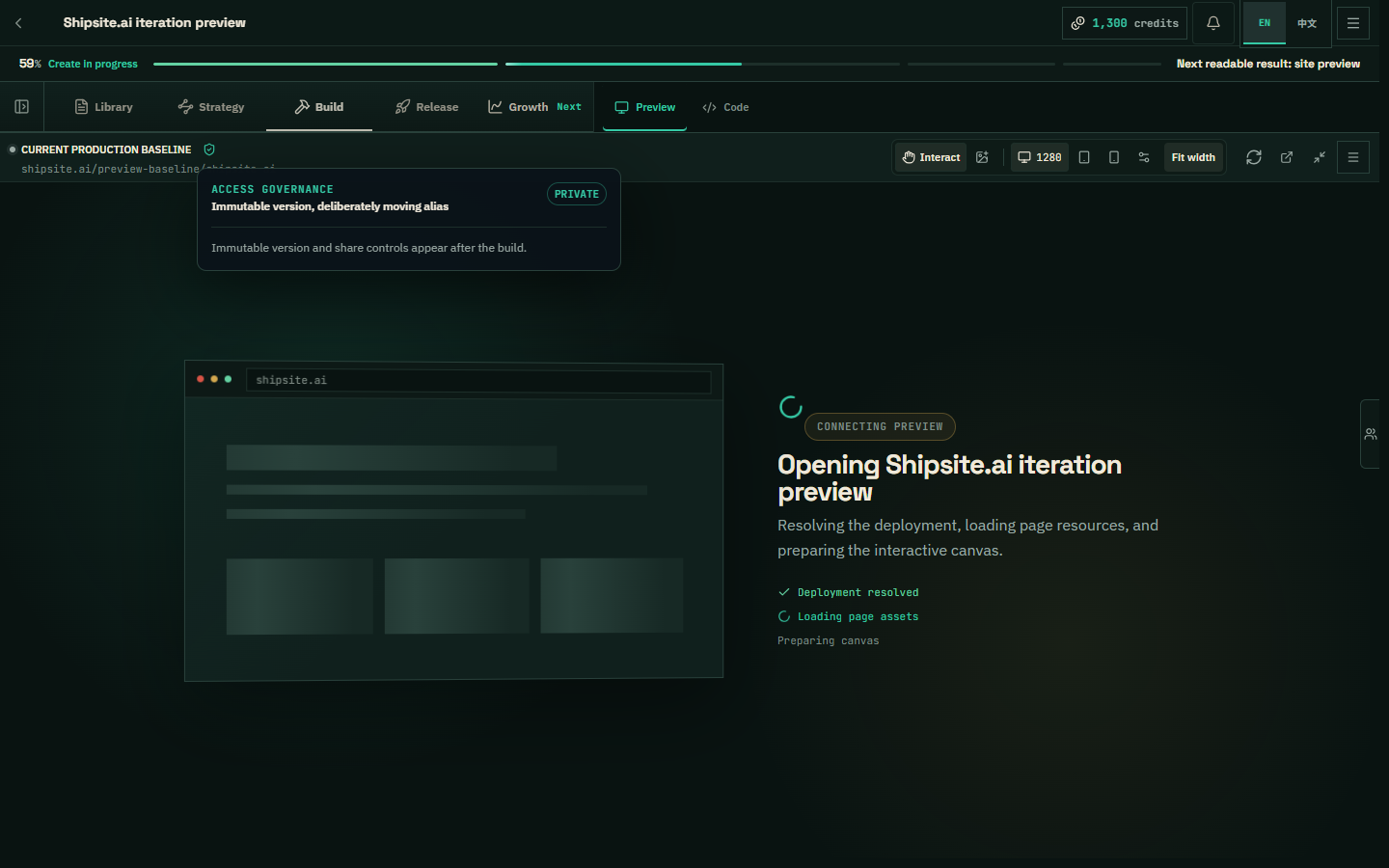
Operate: launch, data, and paid growth
Operate unlocks after source exists. Launch assembles readiness and deployment evidence; Data shows connected and first-party evidence; Paid prepares bounded campaign assessments and revisions. Missing sources remain labeled rather than converted to zero.
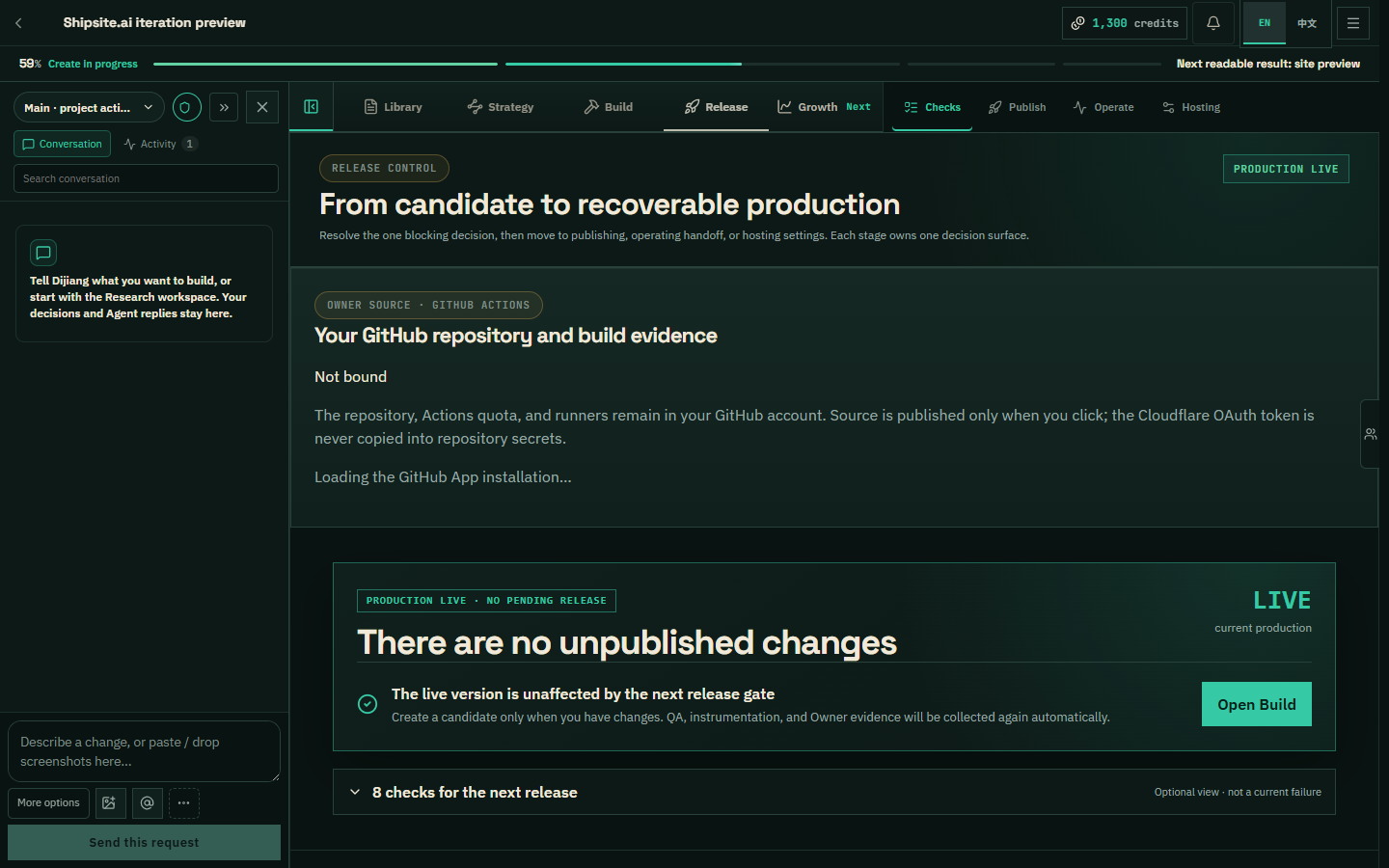
Dijiang and parallel work
The site assistant can read project status, documents, launch checks, and recent failures, then answer or dispatch governed work. Long turns persist, stream typed events, accept steering, and expose tool activity. Your approvals, production release, payment, and external publishing are not delegated to chat.