The path
These seven steps take one product idea from an empty account to a preview you can review. None of them puts anything live without you.
- Sign inNavigator students use ShipSolo, everyone else uses Google. You come back to the page you were on.
- Connect an AI model keyUnder AI & connections. A subscription first: a GLM Coding Plan has a fixed monthly price, and a used-up window only makes the work wait. Subscriptions you already have work too: SuperGrok straight from the cloud; a Kimi Coding Plan or ChatGPT subscription while Shipsite link runs on your computer. Pay-as-you-go keys (DeepSeek and others) bill per token: one site's plan-to-check pass is about 130 million input tokens. A key that fails its check is not saved and the page says why.
- Press New siteType one keyword or idea, then confirm on the next screen.
- Let planning runThe top of the workbench says what is being done and about how long it takes. You can close the page.
- Read the documentsResearch, product plan and design are under Docs. Say what to change in the Dijiang chat.
- Look at the previewConnect GitHub and Cloudflare first. The preview opens under Site, in desktop and phone width; it is not live.
- Go live when you are readyOver the preview there are two choices: Go live, or change it first. The first launch goes live only when you press it. Once the site is live, copy or settings edits go out by themselves after their checks pass; a change to page structure or a tool waits for your Go live, and every release can be undone in one click.
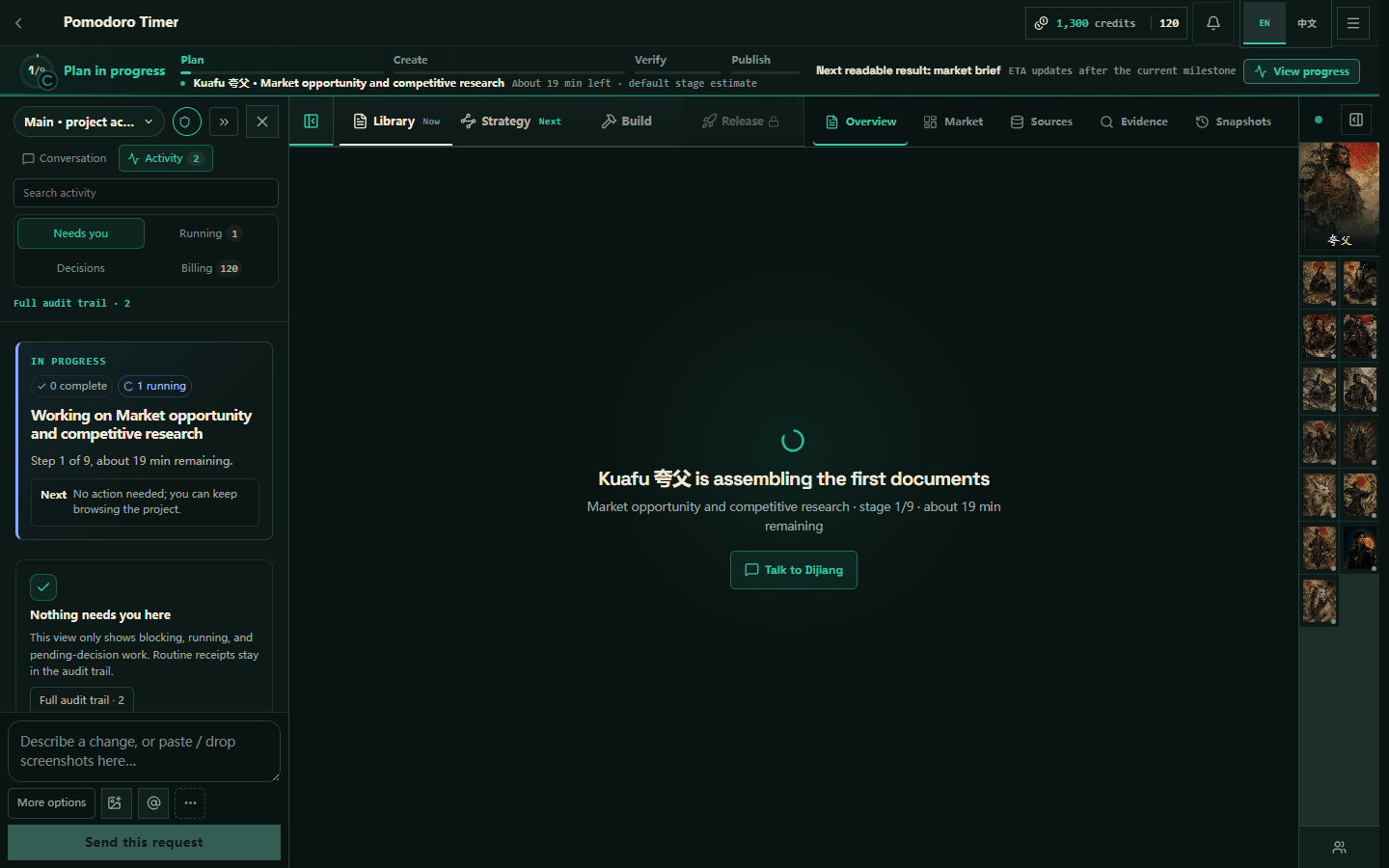
Pick a keyword that can own a site
Good first inputs are jobs a visitor would type, such as “invoice generator”, “interval timer”, or “sourdough hydration calculator”. Bad first inputs are category labels such as “AI” or “marketing”. You can also start from Radar or keyword mining.
What “done” means on day one
Day one is done when you have a plan you have read and a preview you can open, or a clear line saying what it waits for. A live domain is not day one: going live needs a passed quality check and your approval.